FUNCTION EDITOR
Serverless function engineering reimagined
Create, edit, deploy, test, schedule, and monitor serverless Lambda functions in a professional-grade editor directly in your browser — with your packages, triggers, monitoring, and logs exactly where you need them. With Lambot AI embedded to help.
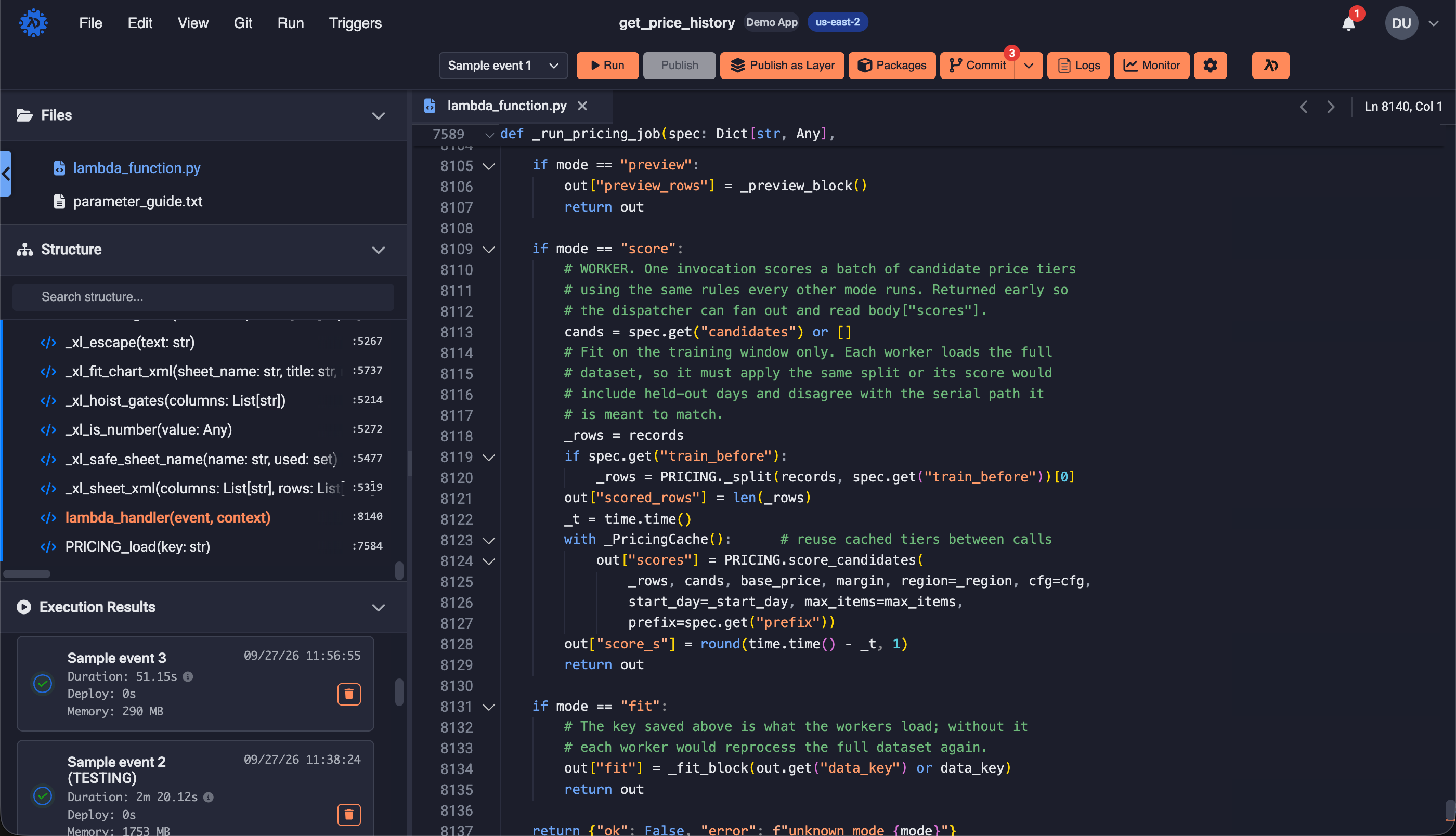
Everything needed to build powerful functions in a single workspace
Built in package managers
Built-in package managers for python and node.js. Add or remove dependencies from the UI and the function is updated in the cloud without a local build environment.
Triggers as part of the function
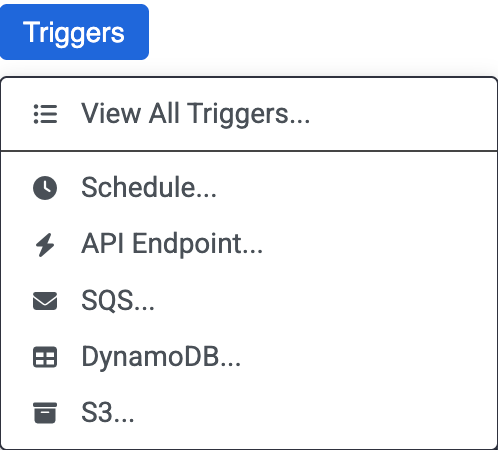
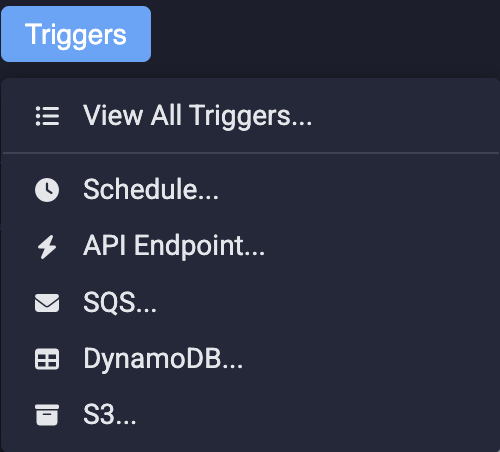
Generate API Gateway, SQS, DynamoDB, and S3 event sources from inside the editor. Generate and deploy an API Gateway endpoints and SQS queus directly from the code editor — no hand-built routes, integrations, or mapping templates.
Recurring scheduling
EventBridge schedules managed directly in the editor - enable/disable, interval units, day and time windows, fire times, time zones. Sub-minute schedules supported; existing cron expressions preserved.
Layers directly from the editor
Publish reusable, versioned shared dependencies (Lambda layers), including one-click "Publish as Layer" straight from a function's content.
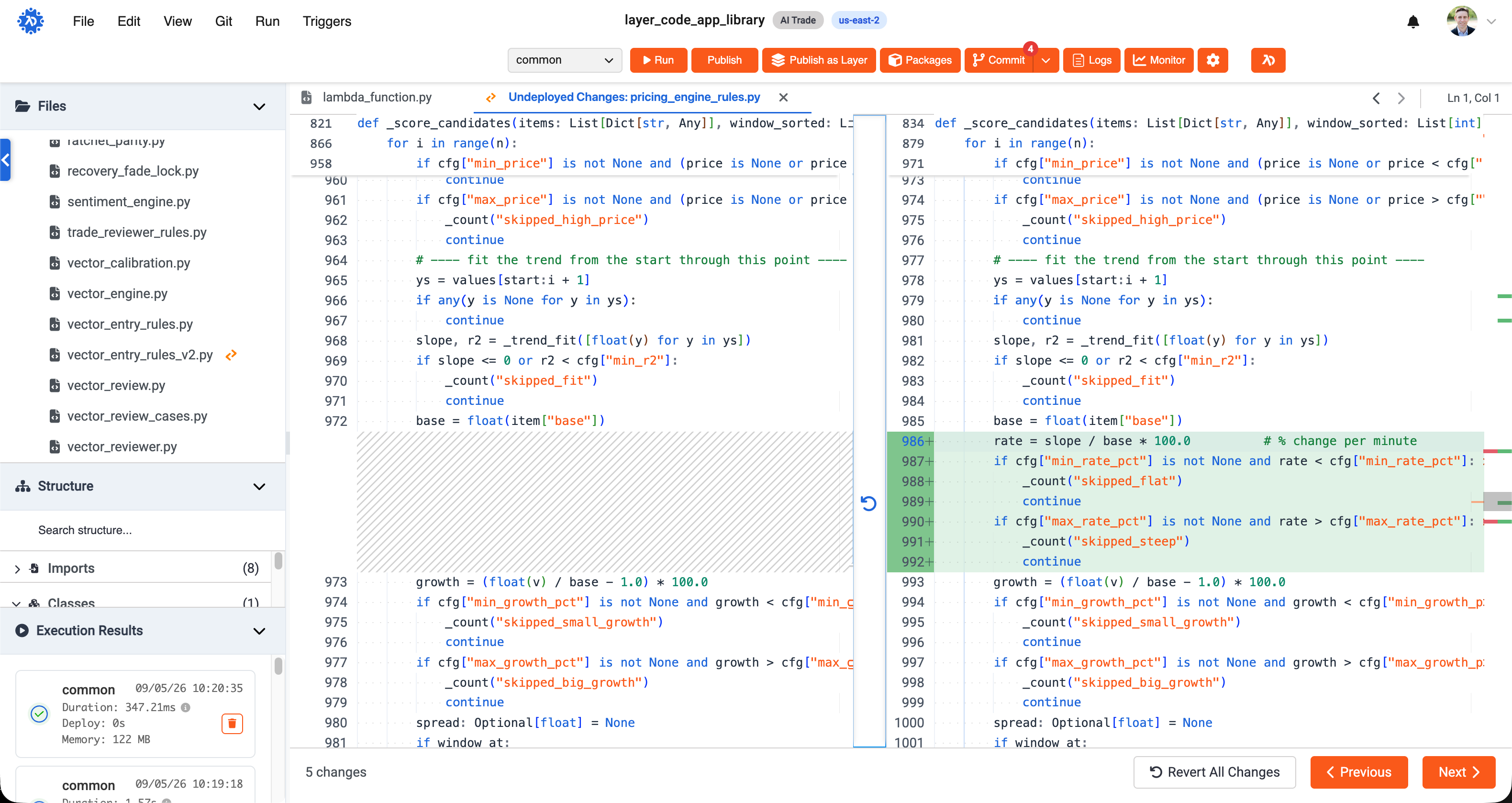
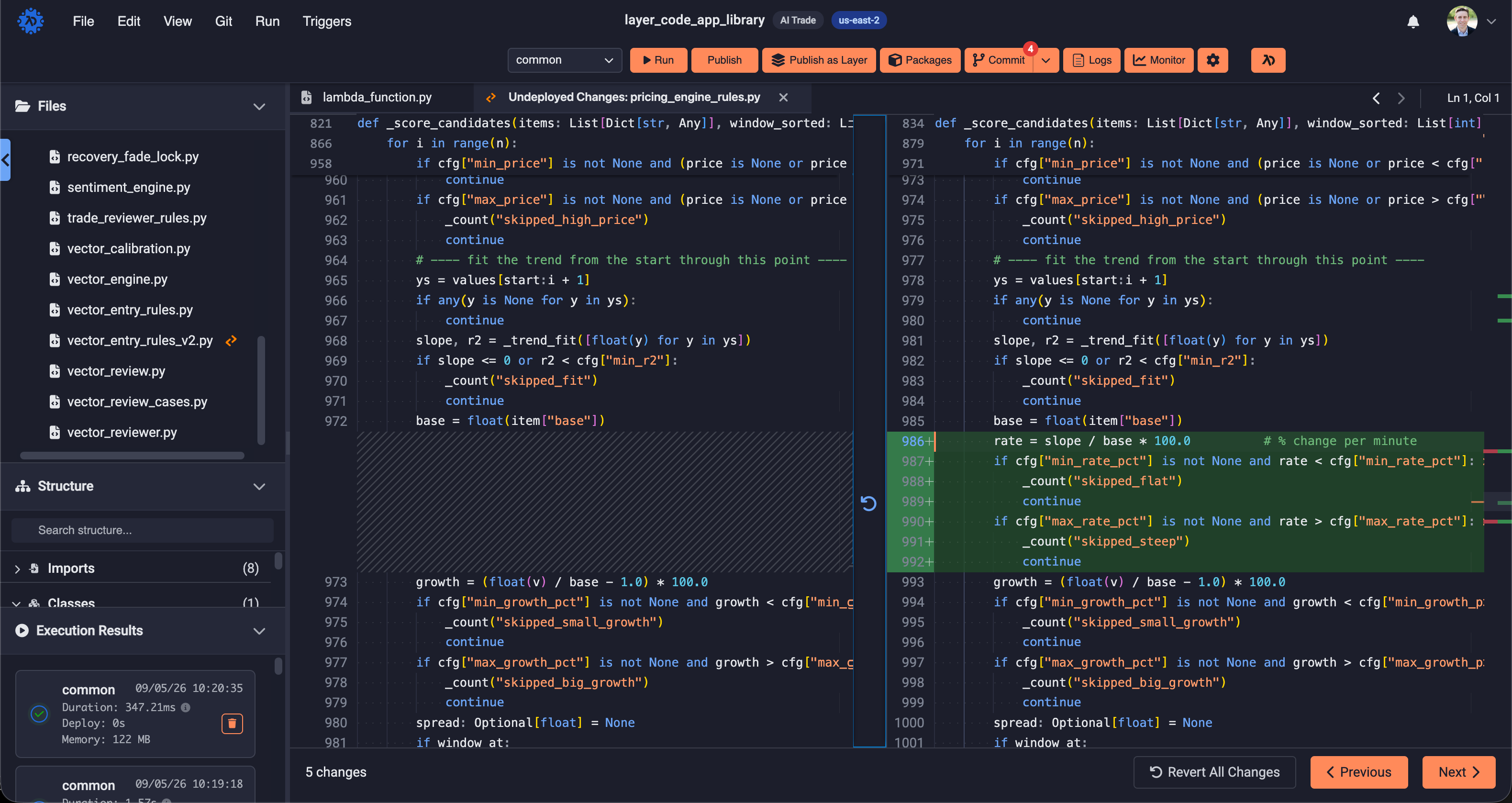
Undeployed code diffs
See exactly what has changed since the last deploy. A side-by-side diff compares your working code against what is running in the cloud, file by file, before you ship. Particularly useful when using AI to modify code.
Code structure
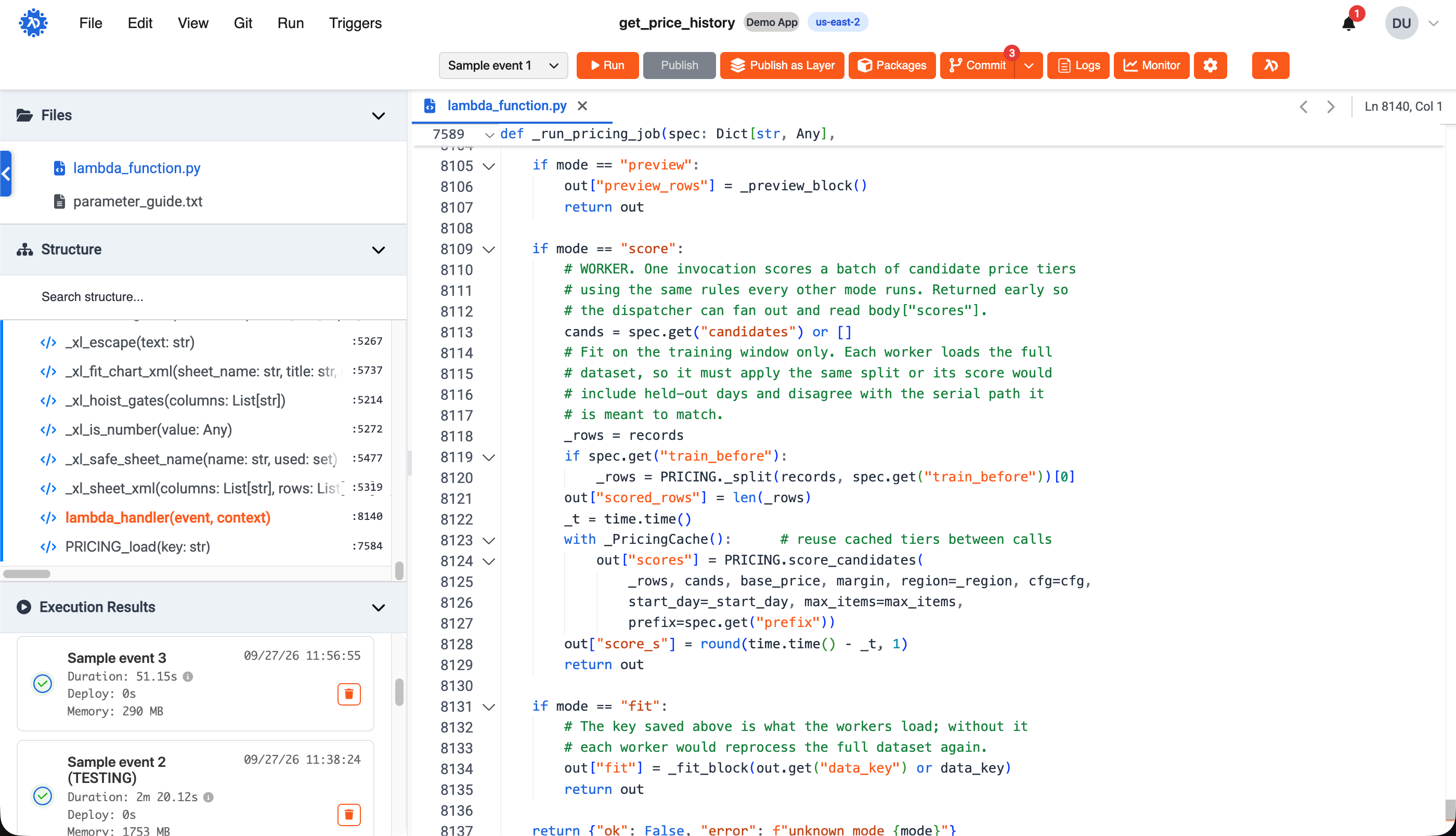
Browse a function the way you would a project: an outline of handlers, classes, and functions for every file, with jump-to-definition across the whole function.
Copy and clone
Deploy functions across all of your accounts and regions with a click of the mouse. Clone functions directly from source control. Copy existing functions (configuration, test events, and more) without cut/paste.
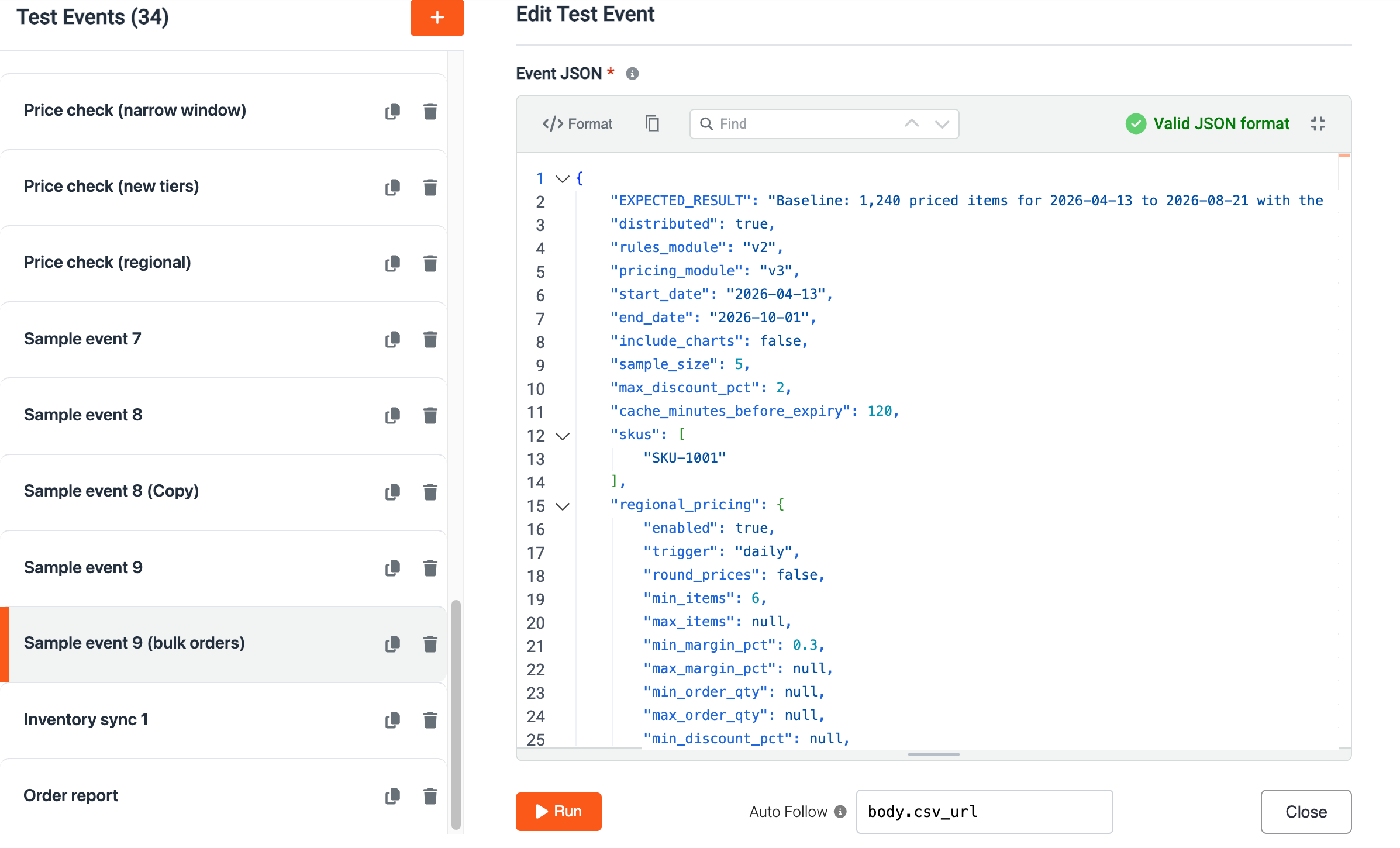
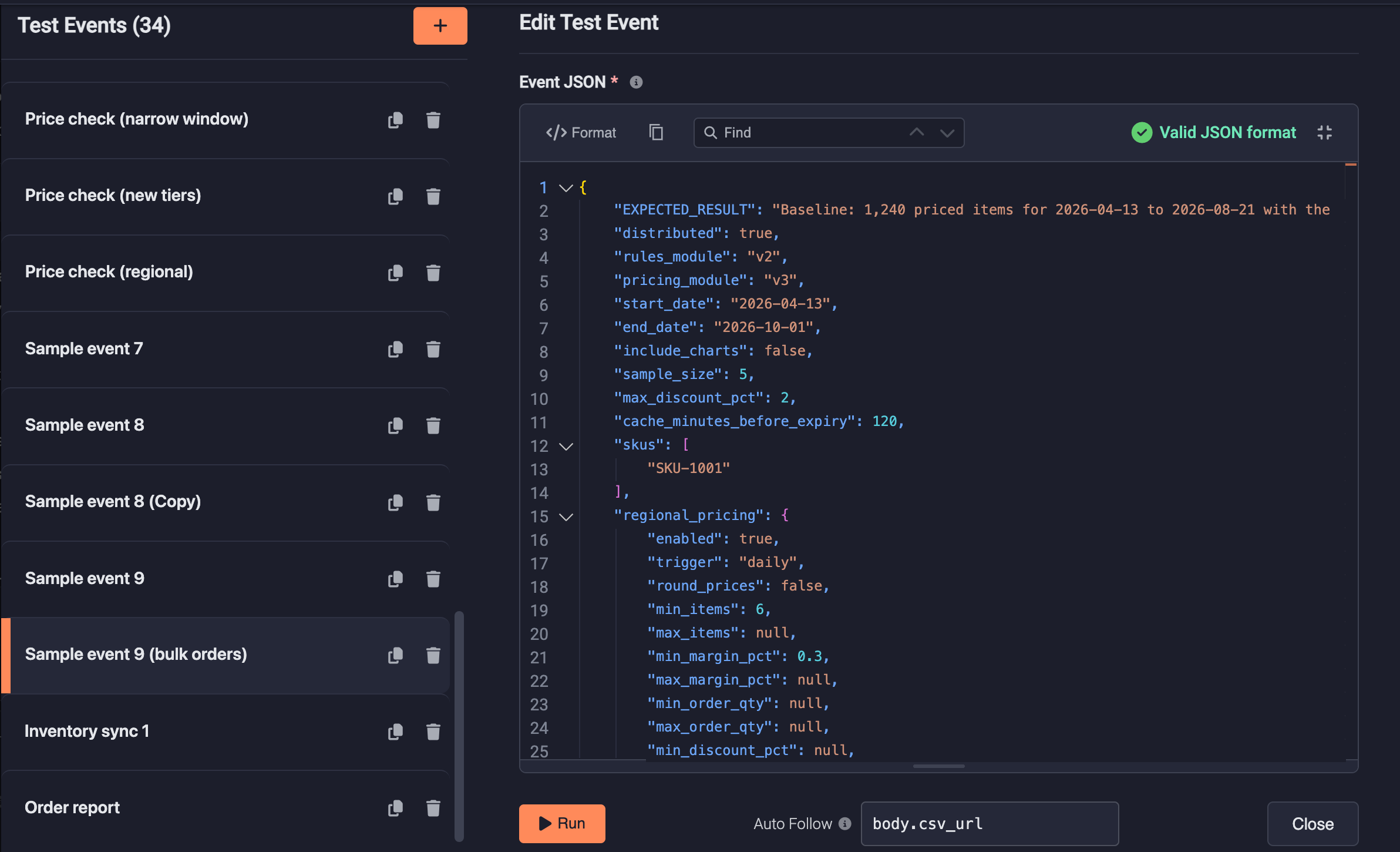
Robust test event manager
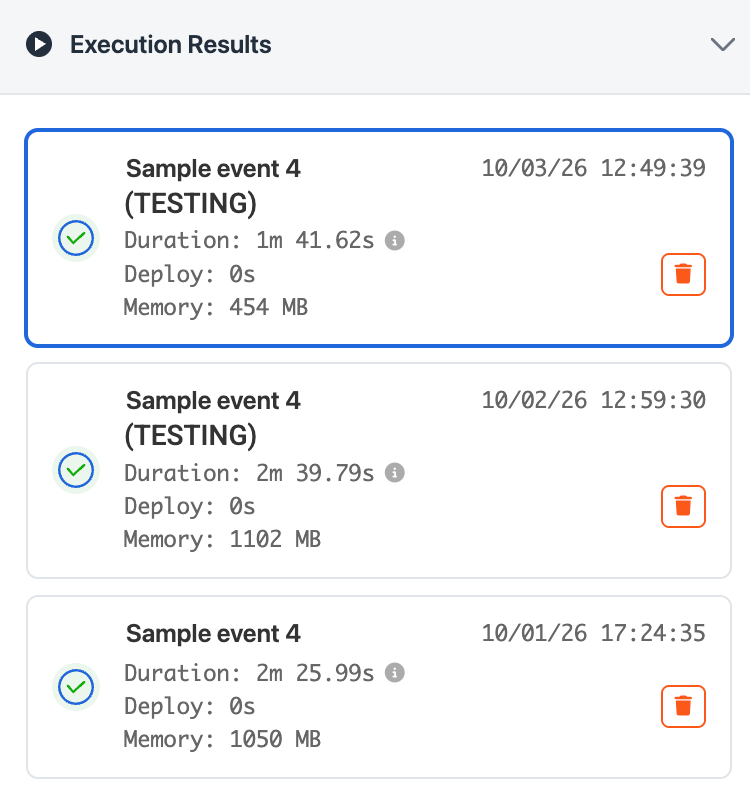
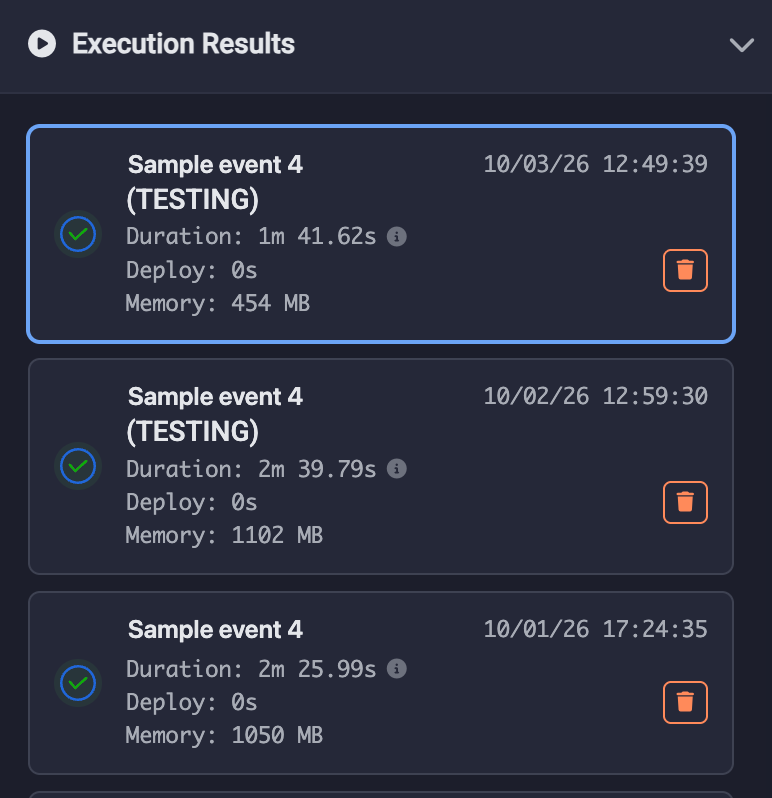
Save, name, and organize JSON test events inside each function using an actual JSON editor. Events are source controlled and copied with functions. Archive test events. A history of test runs, results and logs are front and center for reference.
Lambot AI sitting right by your side
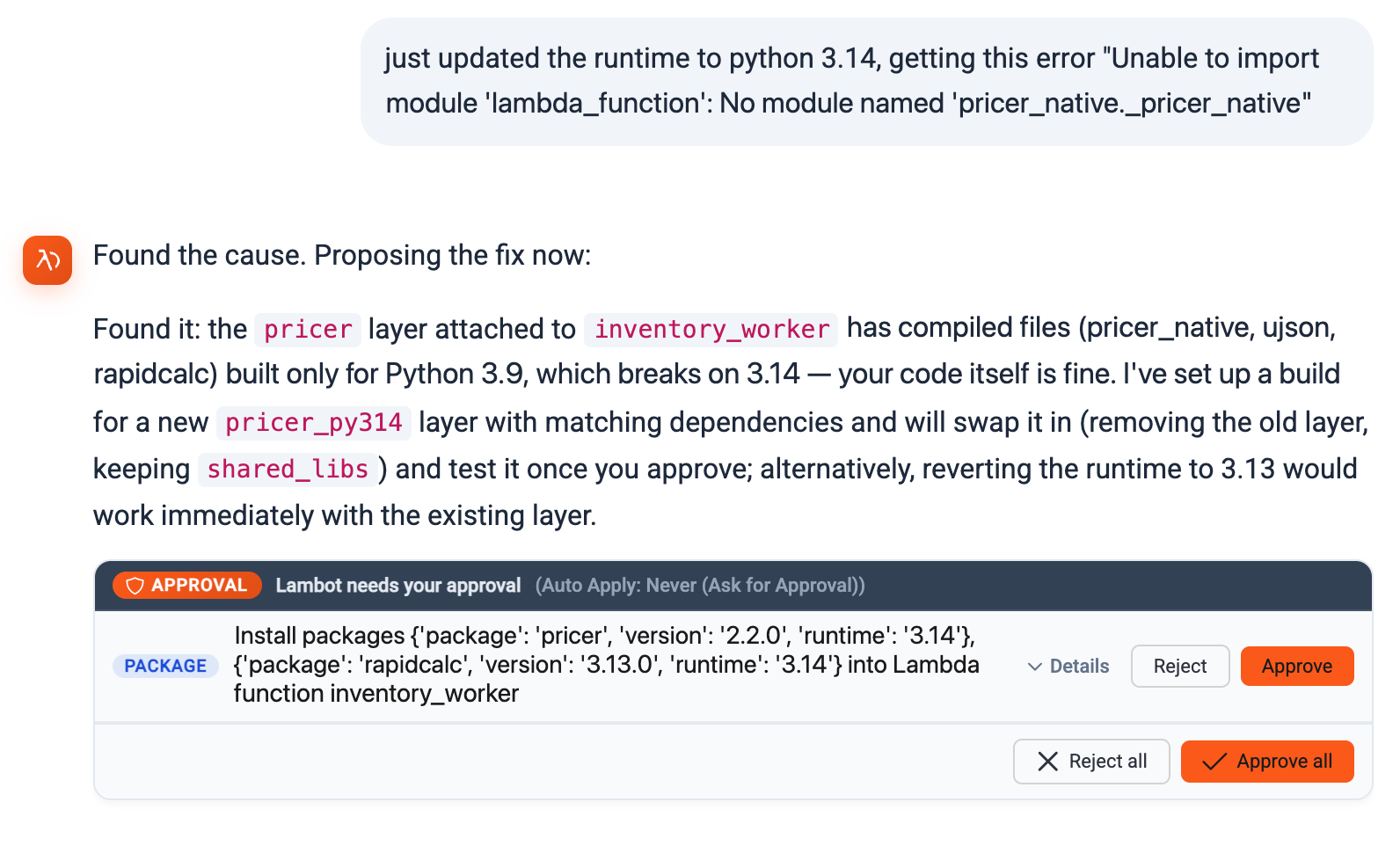
The same Lambot AI chat you used to create your application is available right in the function editor when you need to drill down into the backend functions. It sees all of your functions and understands the context of working in your application. Ask it about more than code — use it to create layers, add/update APIs and more.
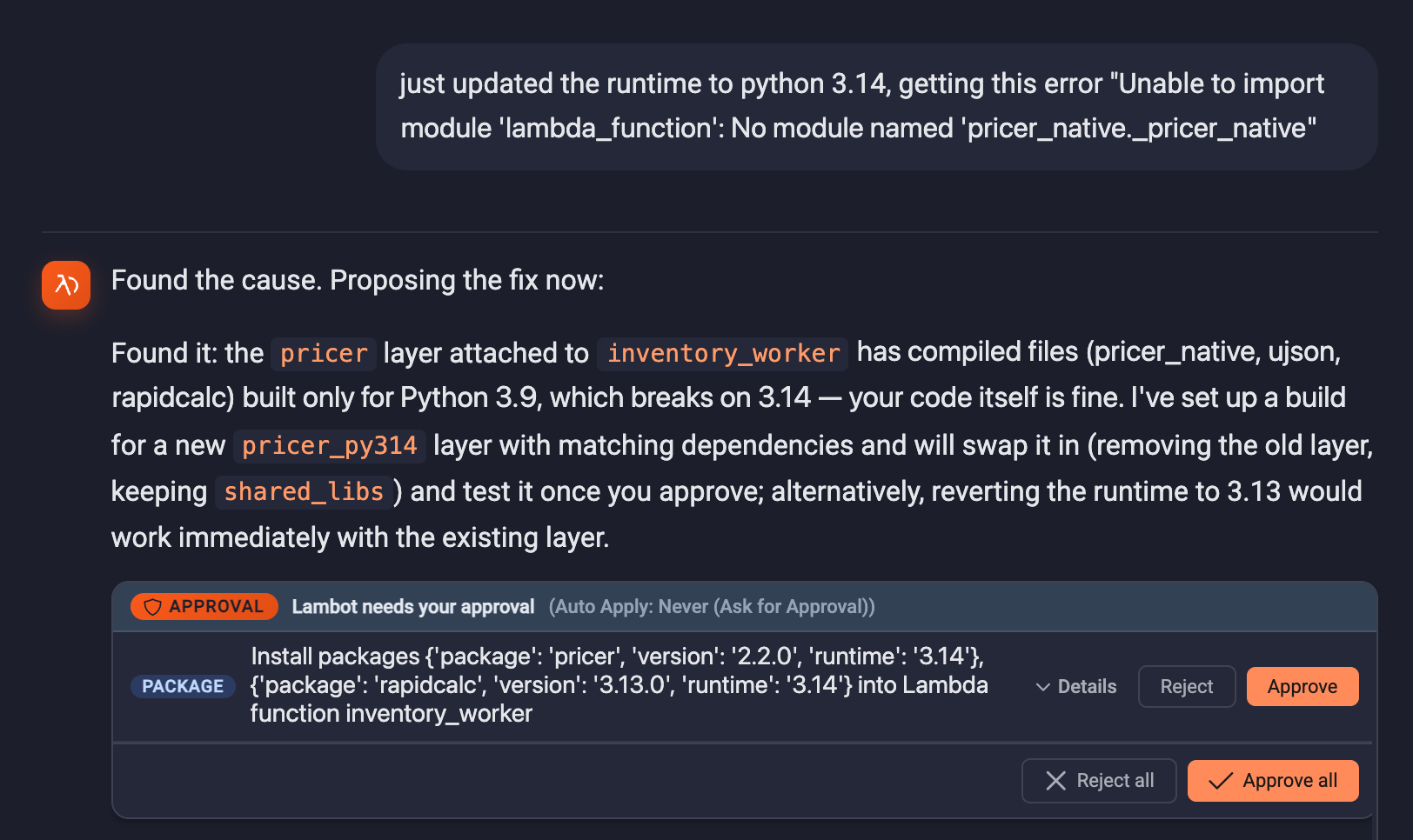
Quickly access logs, relevant monitoring, and cost details
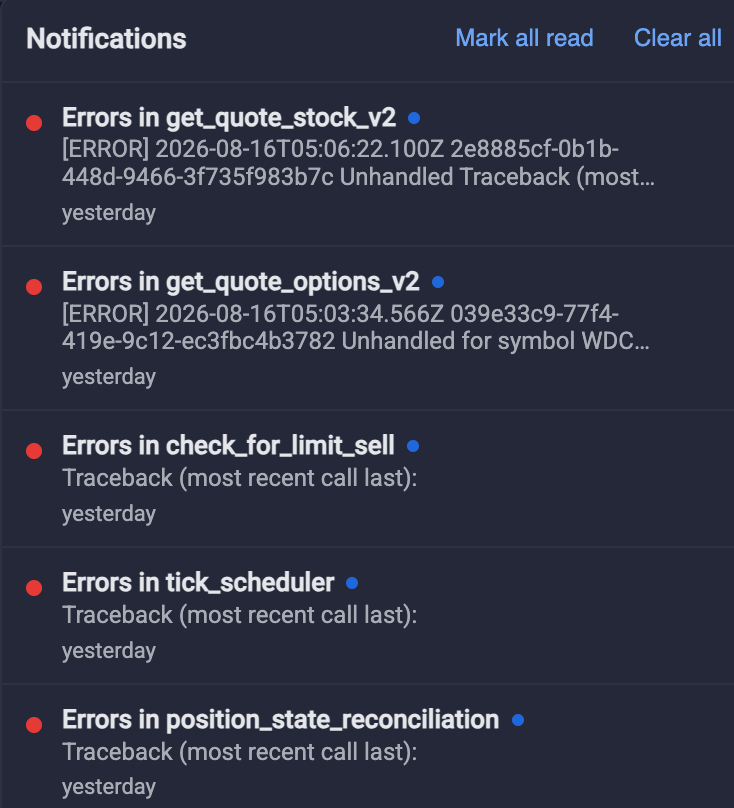
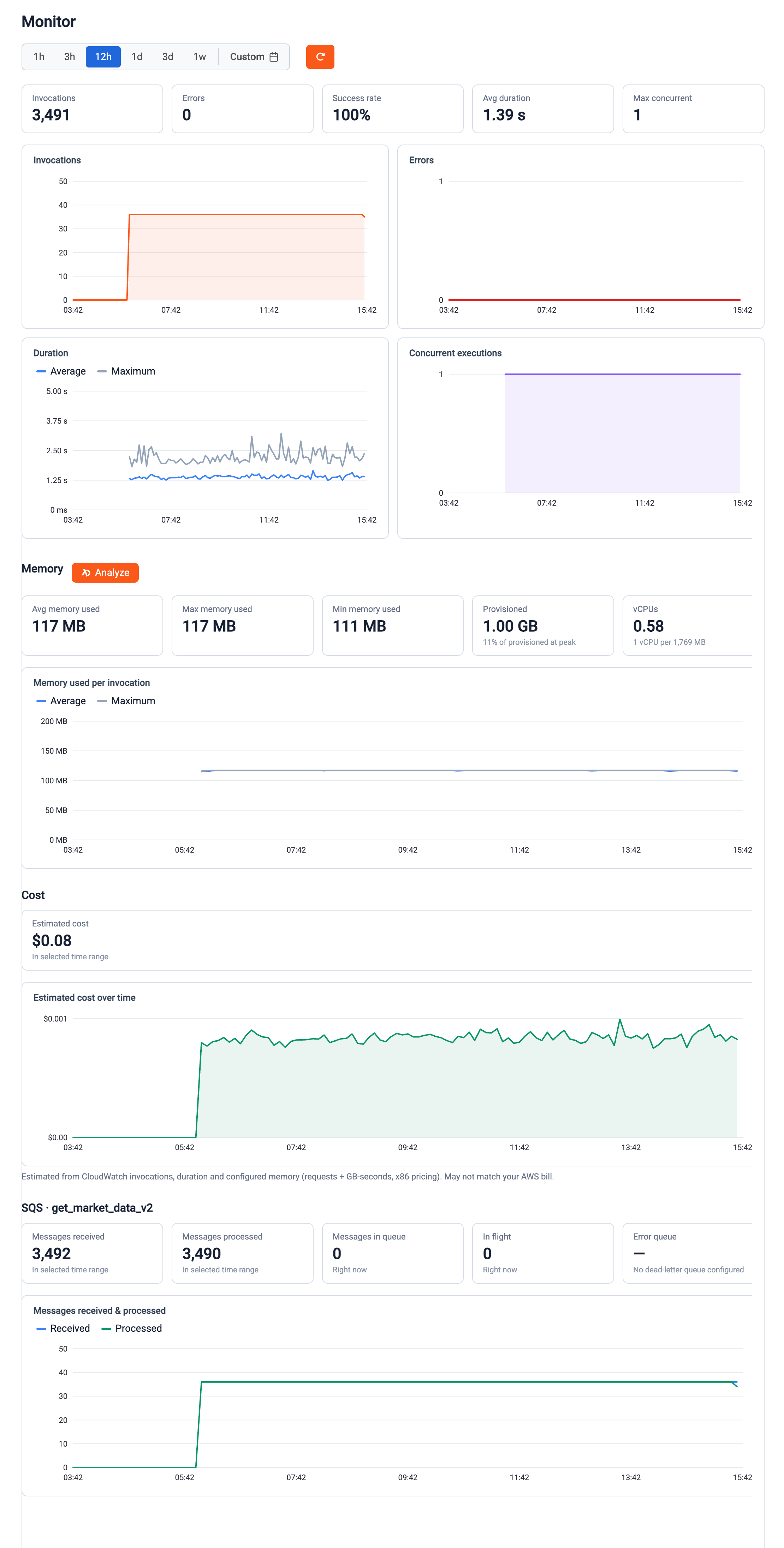
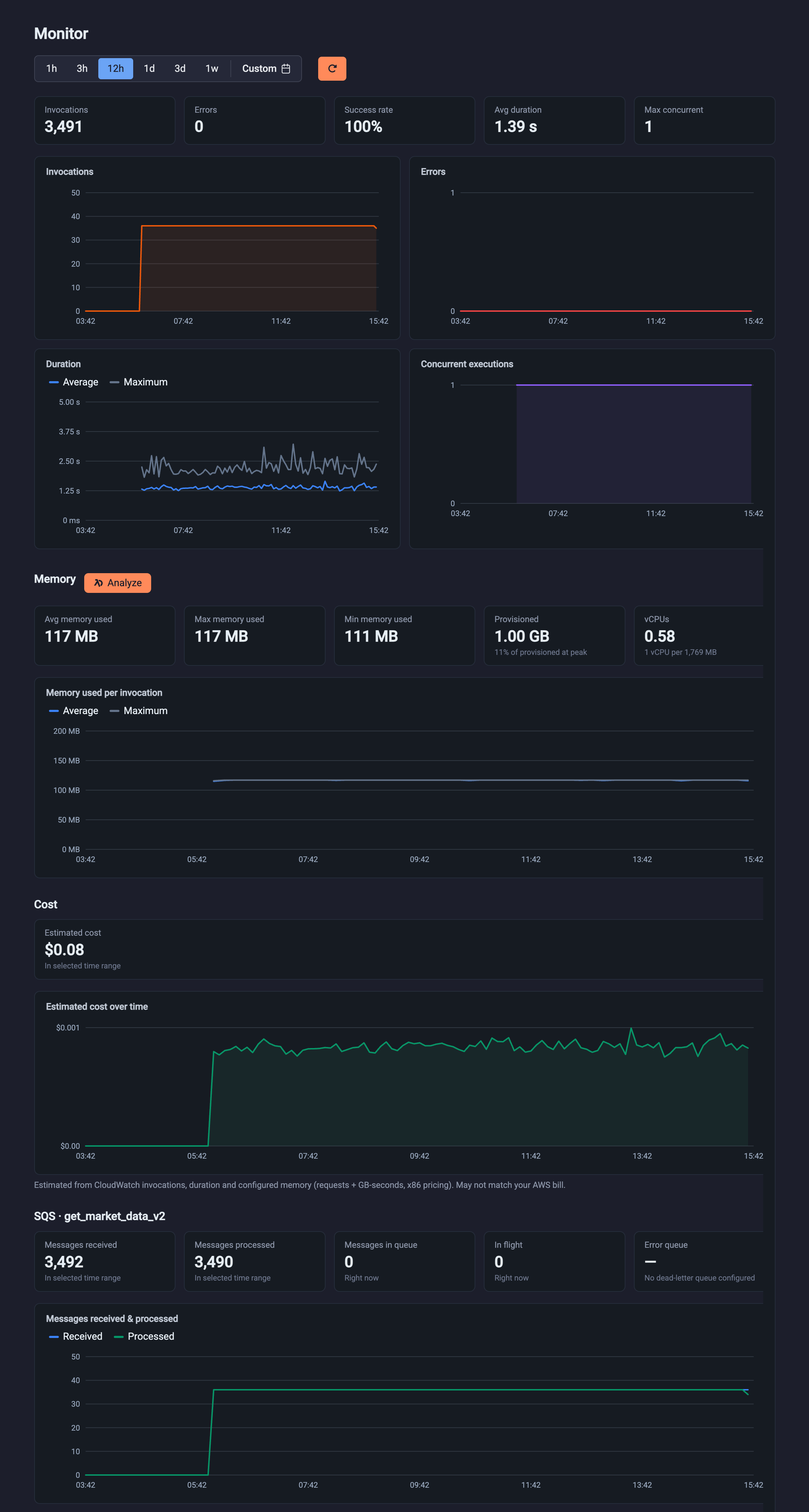
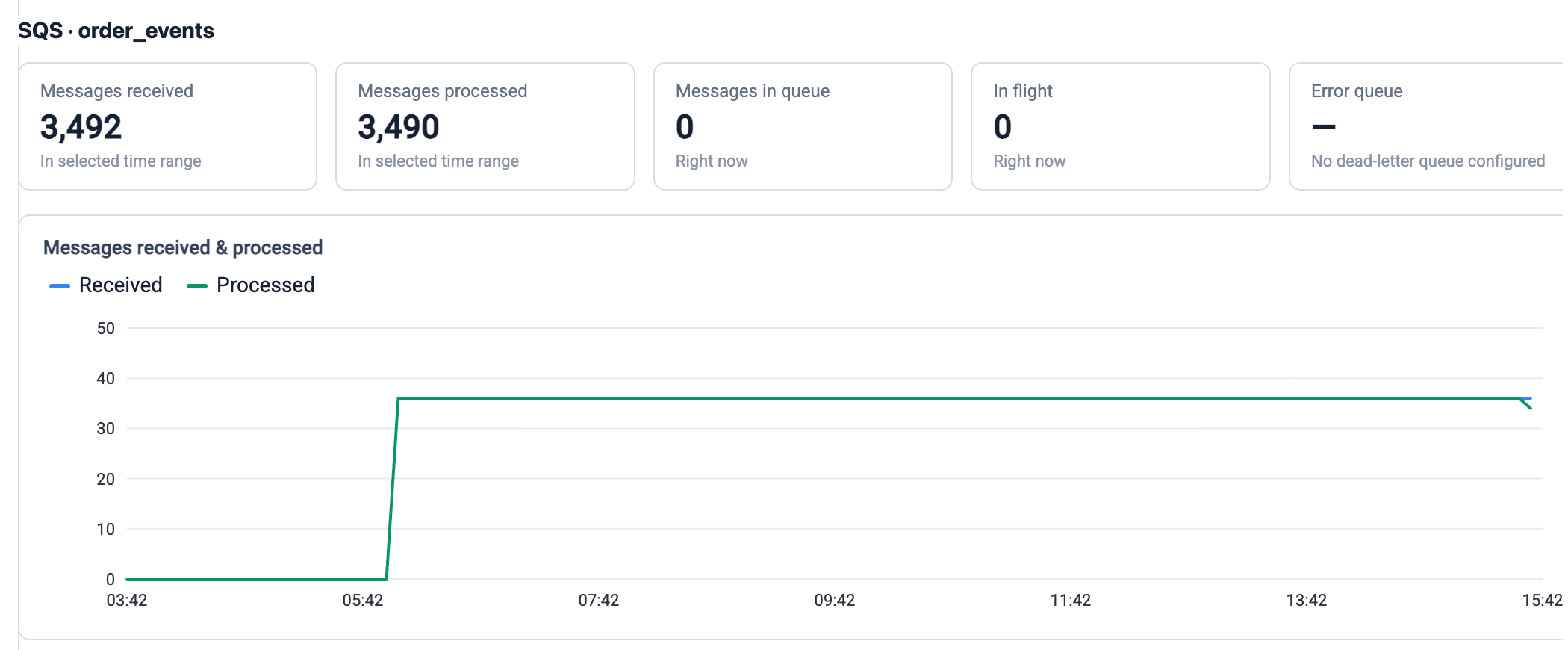
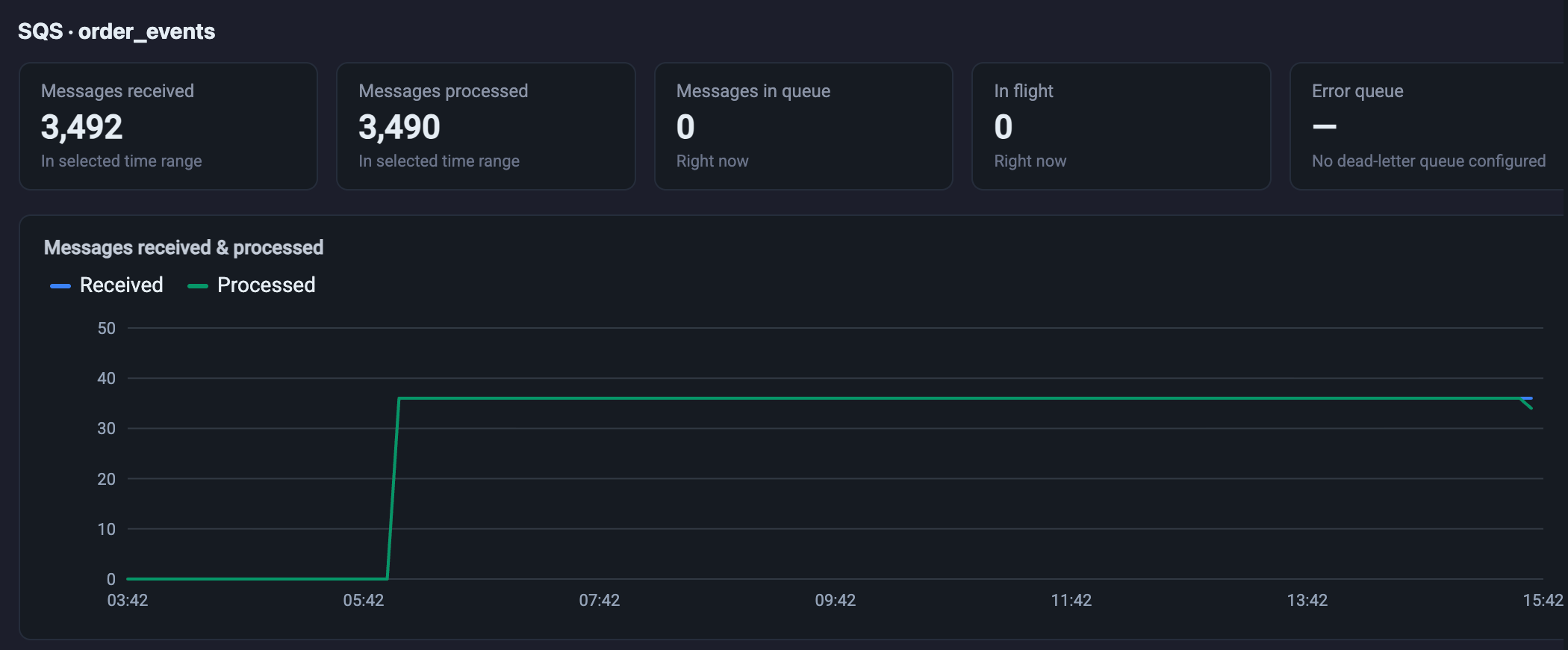
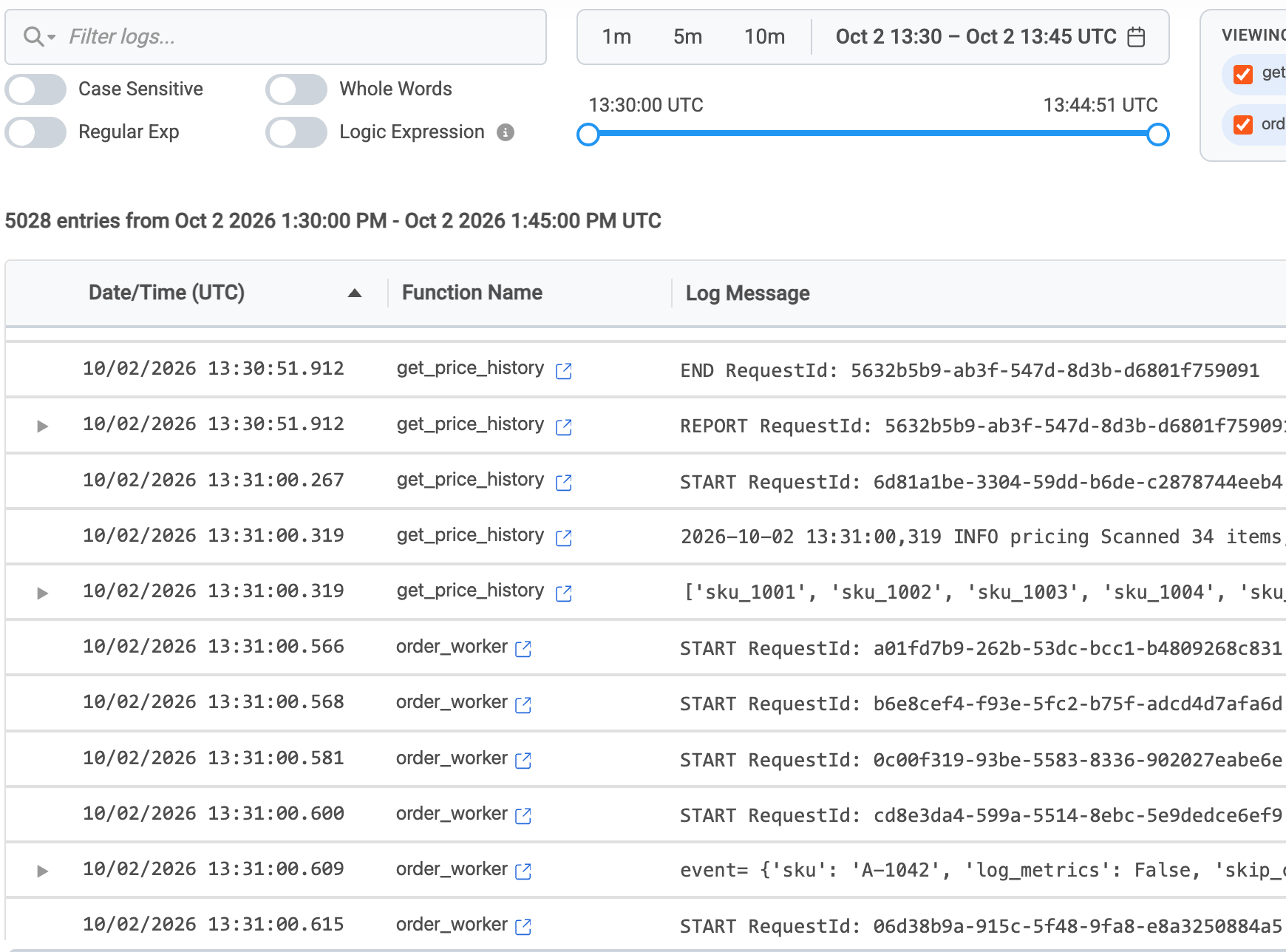
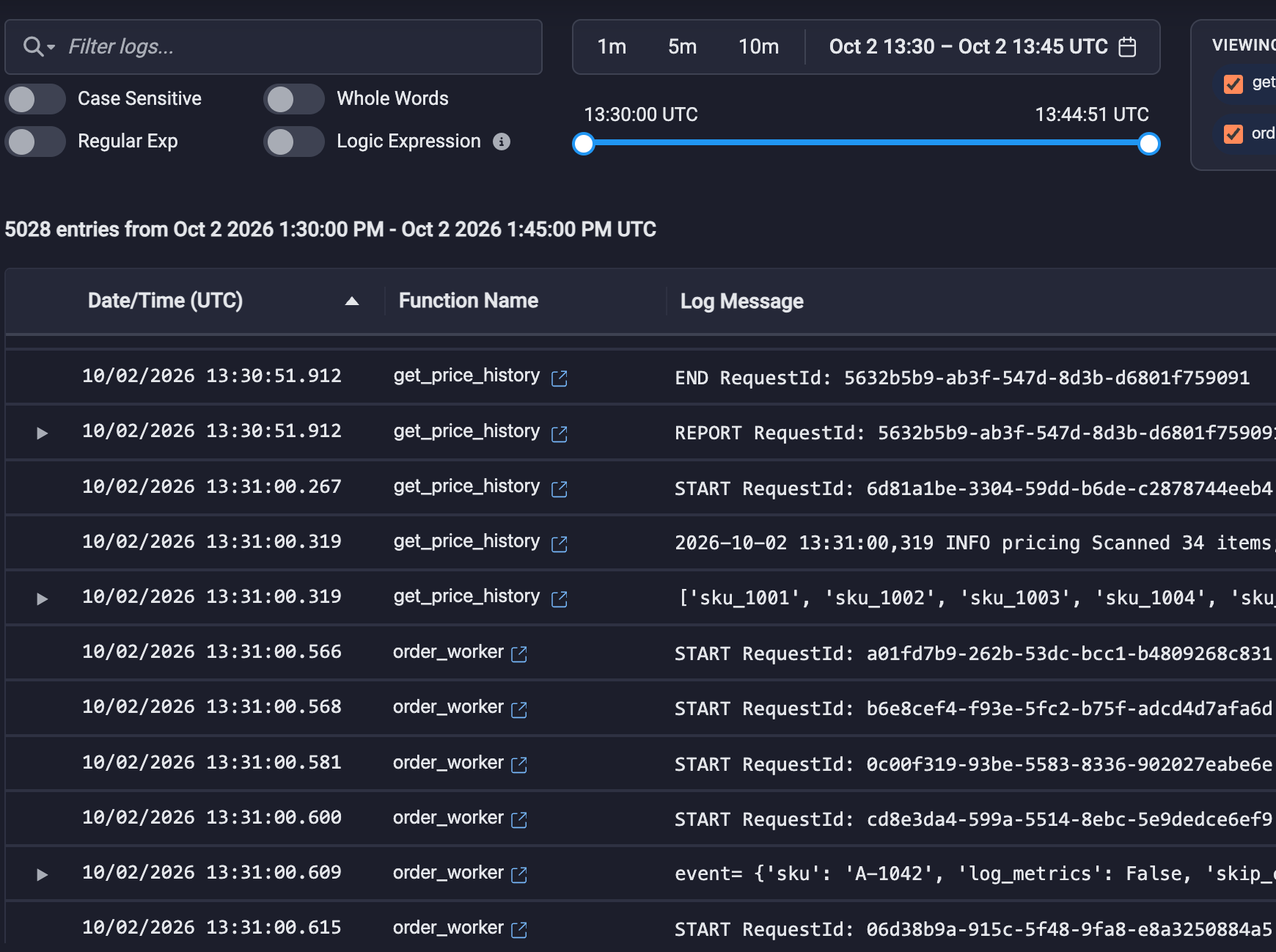
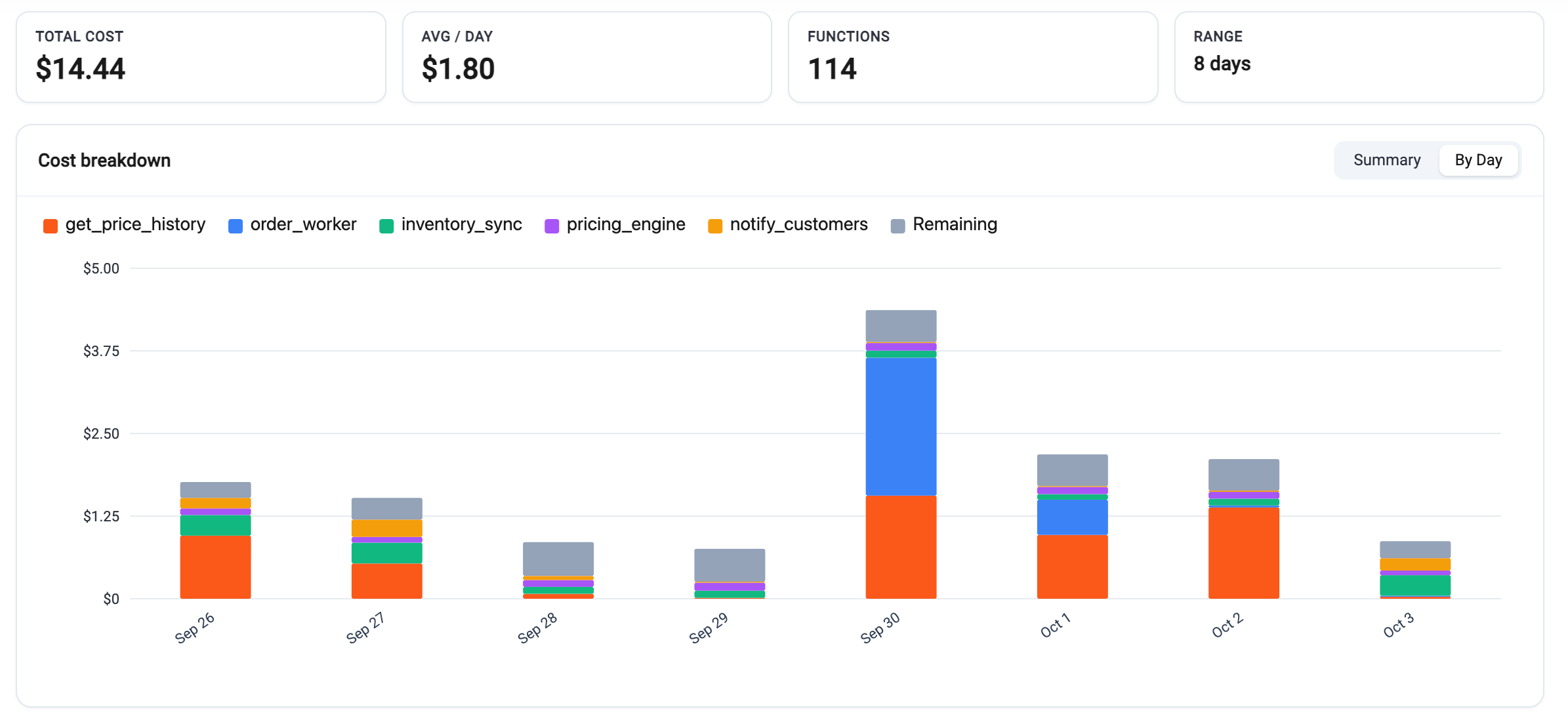
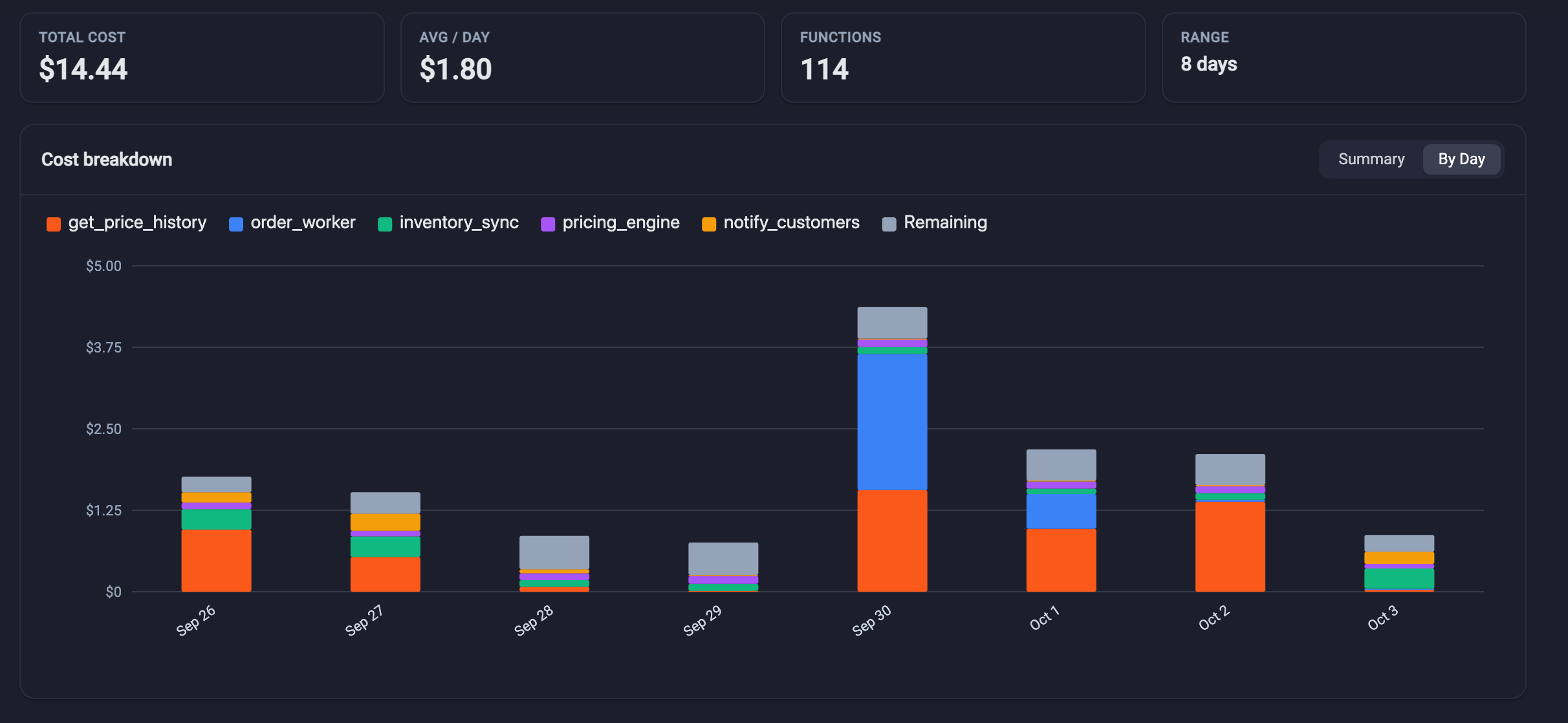
The most critical pieces for running your application - monitoring, logs, and cost details - are readily available from within the editor. Logs have robust filtering and can be easily merged with other function logs for a holistic picture of data flow. Monitoring for each function and associated triggers (like SQS queues) and cost details are easy to find and view. Try that with your current editor.
And there STILL is more
The small details that help you build and fix faster: Go to definition, prev/next line navigation, robust find/replace functionality, automatically downloading output files from S3 - the list goes on. See for yourself the rich details that await.